IDA-KI · openLAB research bridge · Hentschke Bau Bautzen · TU Dresden IMB
openLAB Bautzen — acceleration monitoring & control
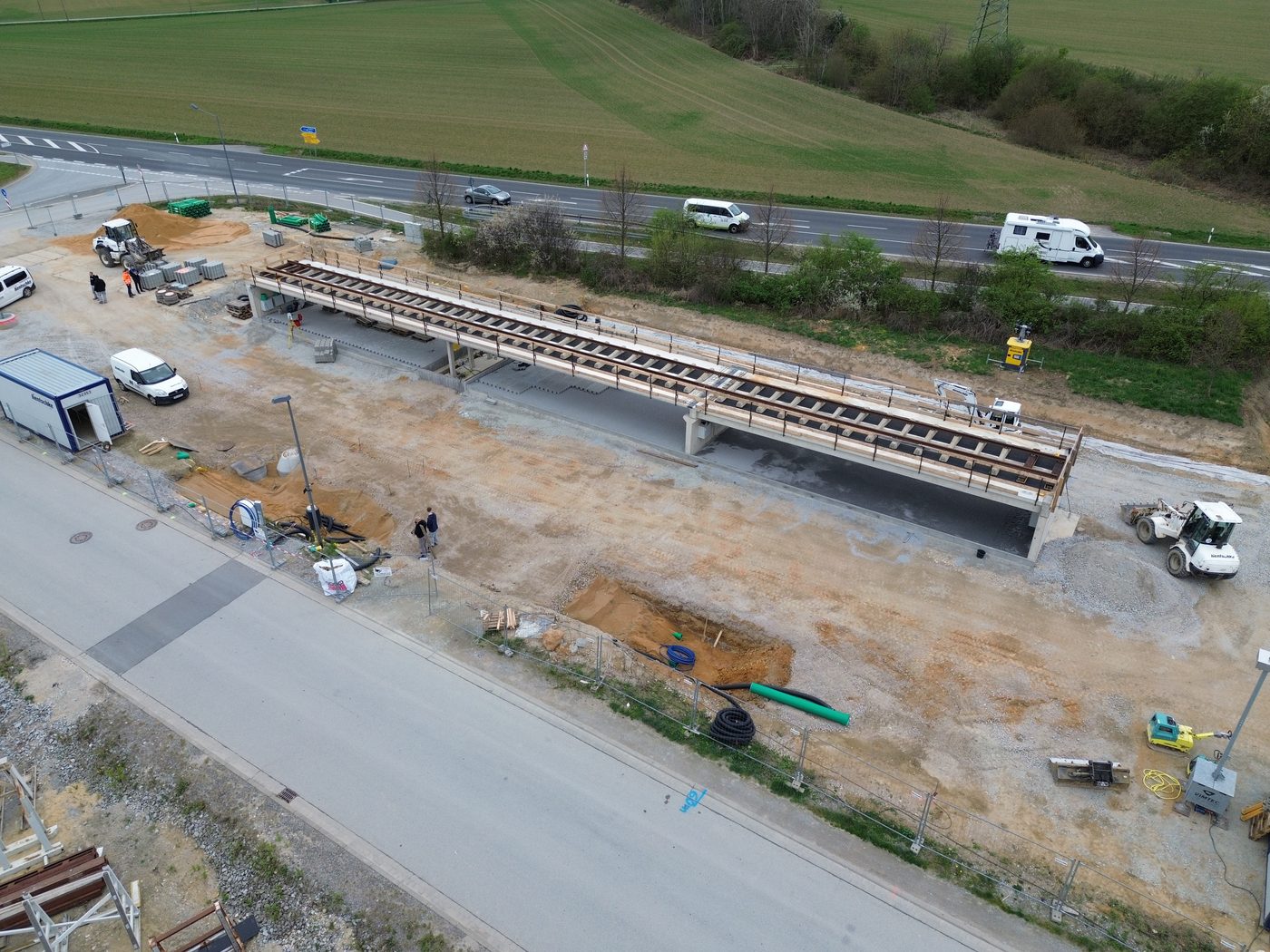
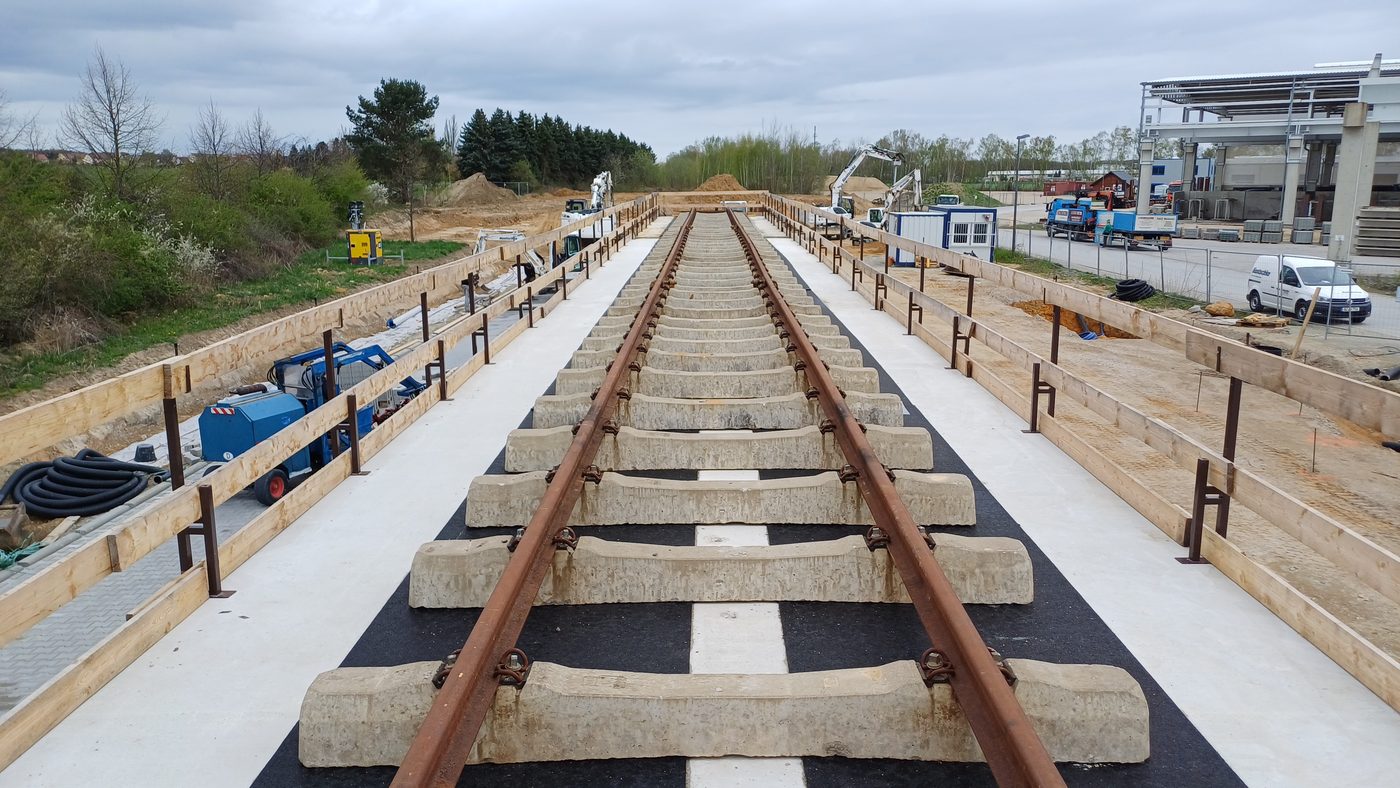
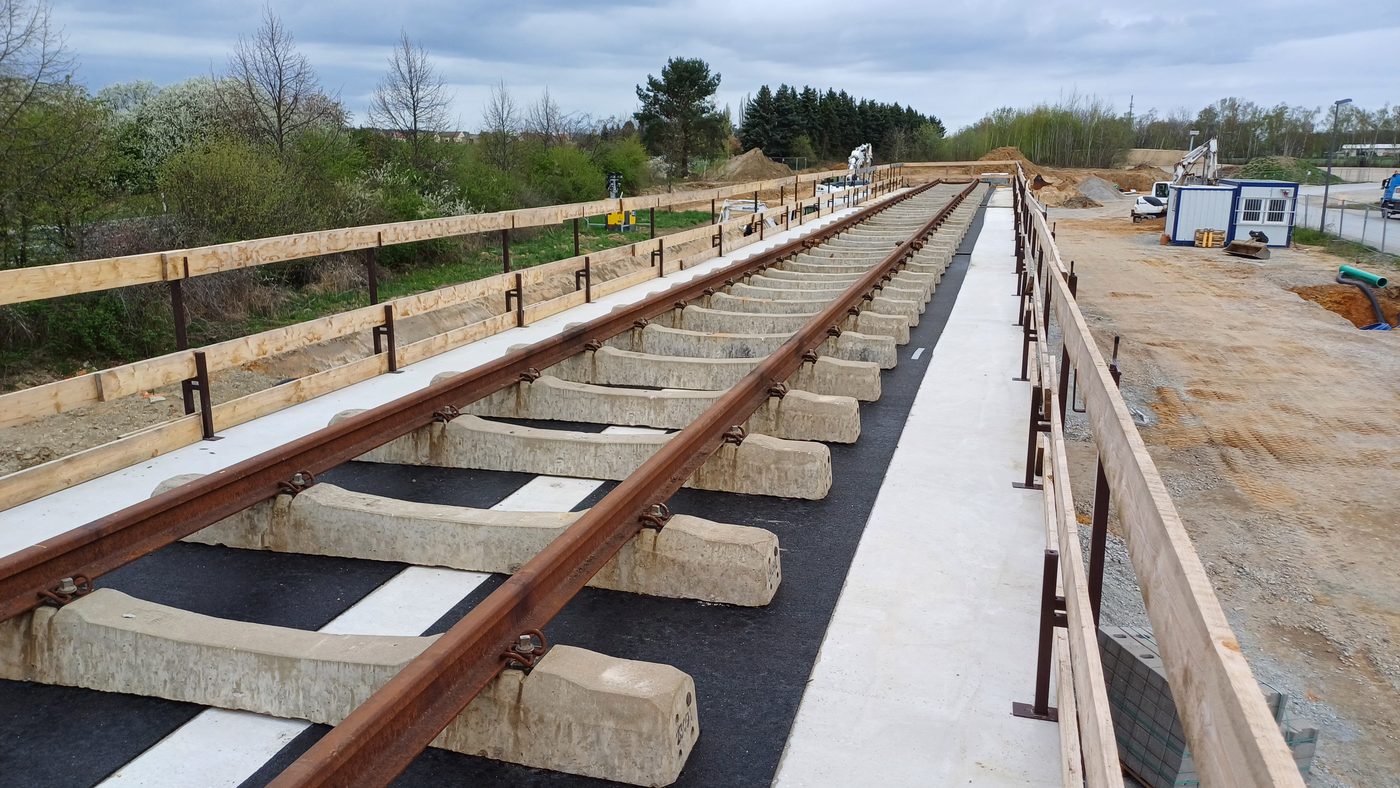
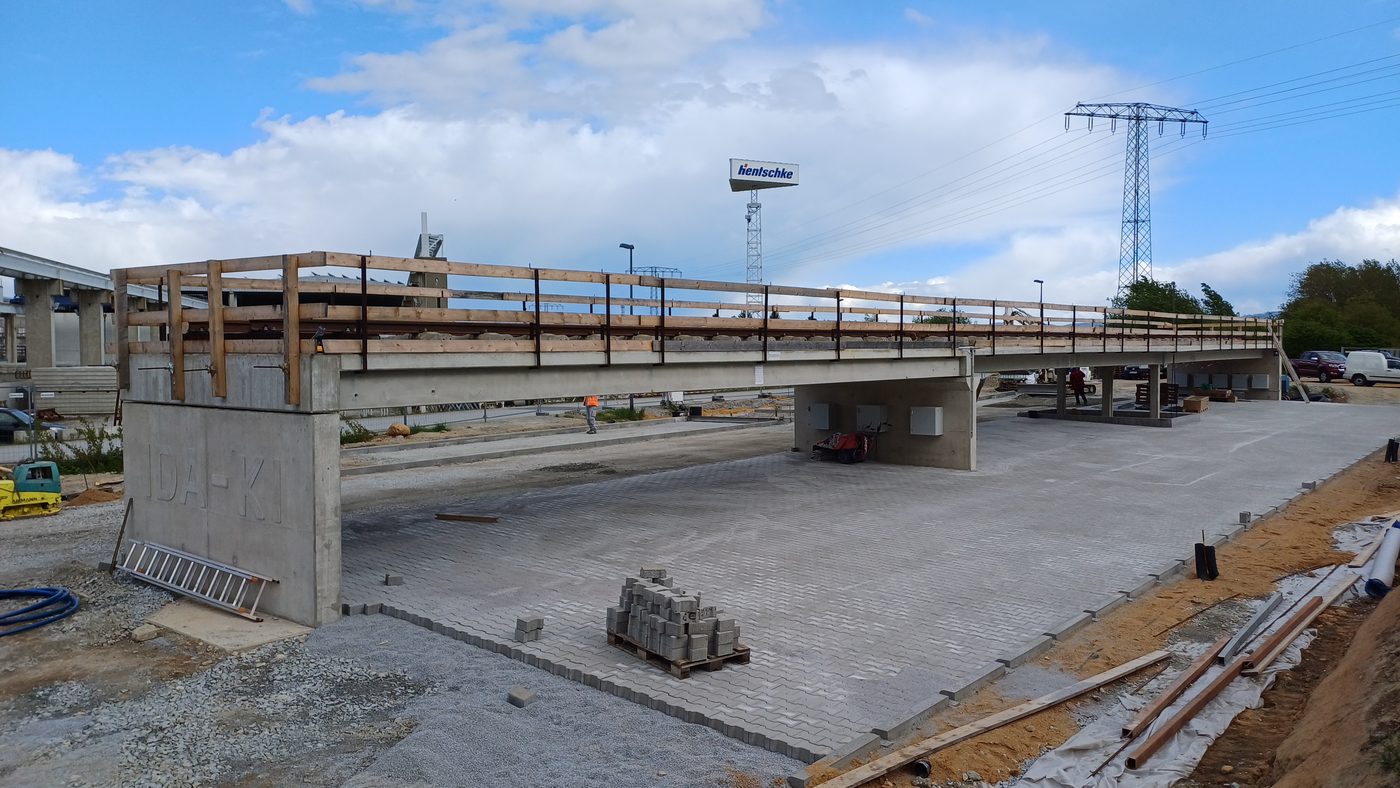
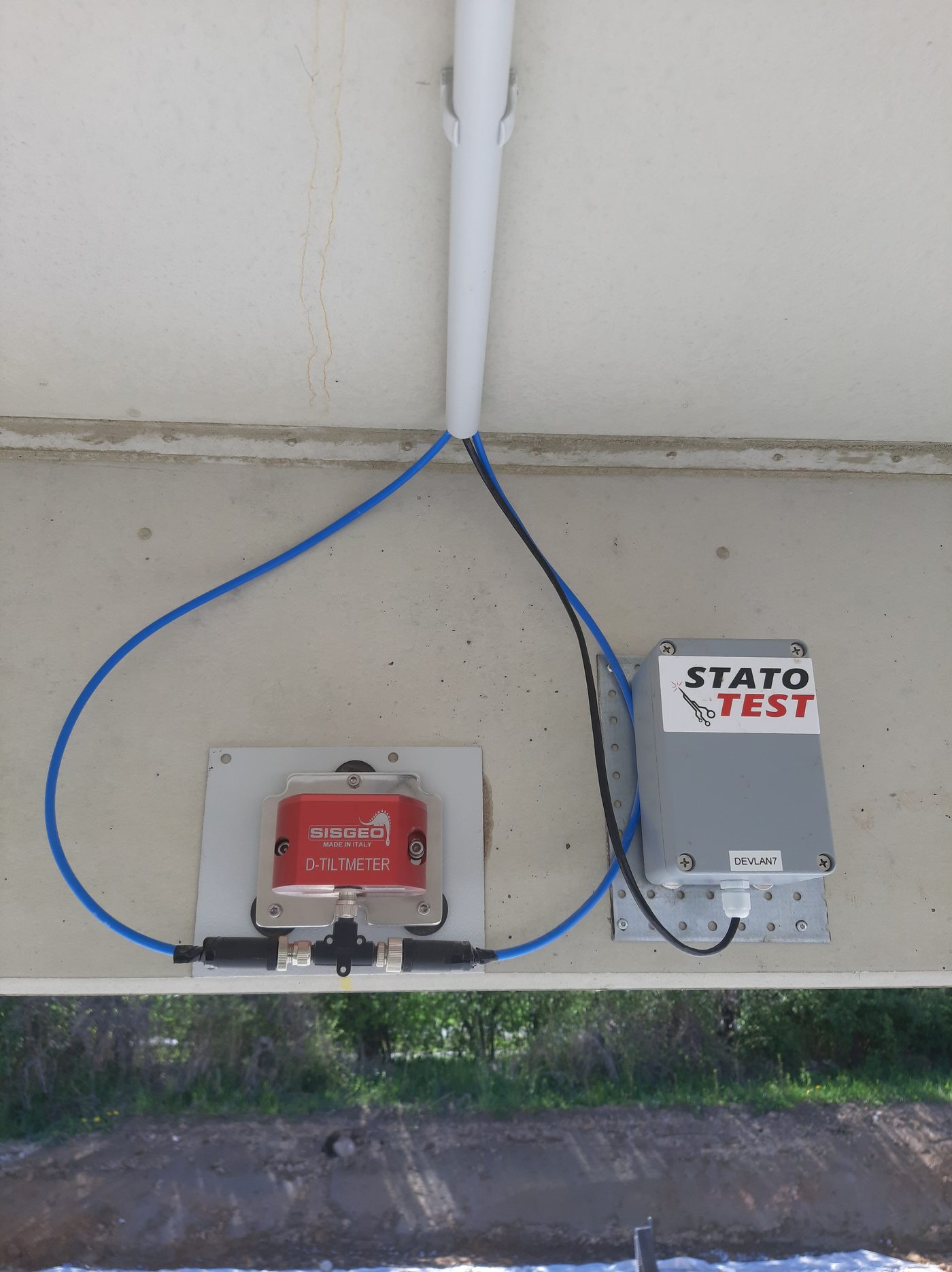
Research bridge openLAB (prestressed concrete, 3 × 15 m, axes 10–40) in the Hentschke Bau yard in Bautzen. Nine DynaSense units (ADXL355 accelerometers, 500 Hz, GPS‑synchronised, PoE) record continuously; this application keeps the full 500 Hz signal for a rolling window (default 14 days), aggregates everything permanently, keeps full data around anomalies and load tests, and watches over the units. All times are local (Bautzen, ).
Bridge & system status
Left — traffic light: checks over the last 24 h (data freshness, units measuring, strongest vibration, open anomalies, GPS sync, SD cards). Thresholds are in Settings; the vibration limits are showcase values, not calibrated structural limits. Click a check to open the data behind it. Right: key figures.
Sensor layout
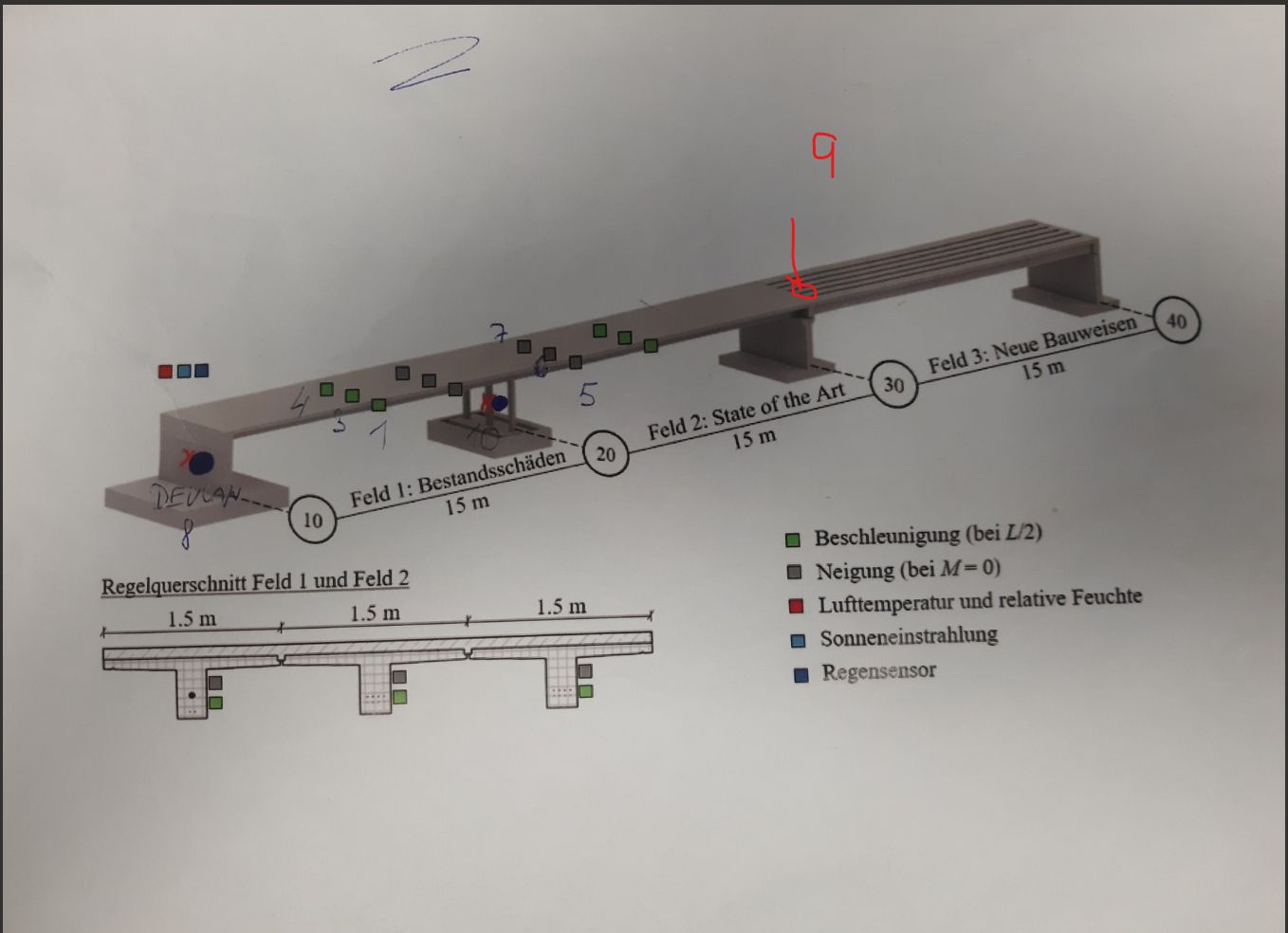
Axonometric view of the bridge (TU Dresden): field 1 “damage” (historic construction with built-in defects), field 2 “state of the art” (smart tendon), field 3 “rapid construction” (hollow-core elements). Each marker is one DynaSense unit; its colour ring shows the current state, the value is the strongest vibration of the last 24 h. Click a marker to open its charts. Positions are assigned in Settings (field / girder) and can be fine-tuned by dragging in edit mode.
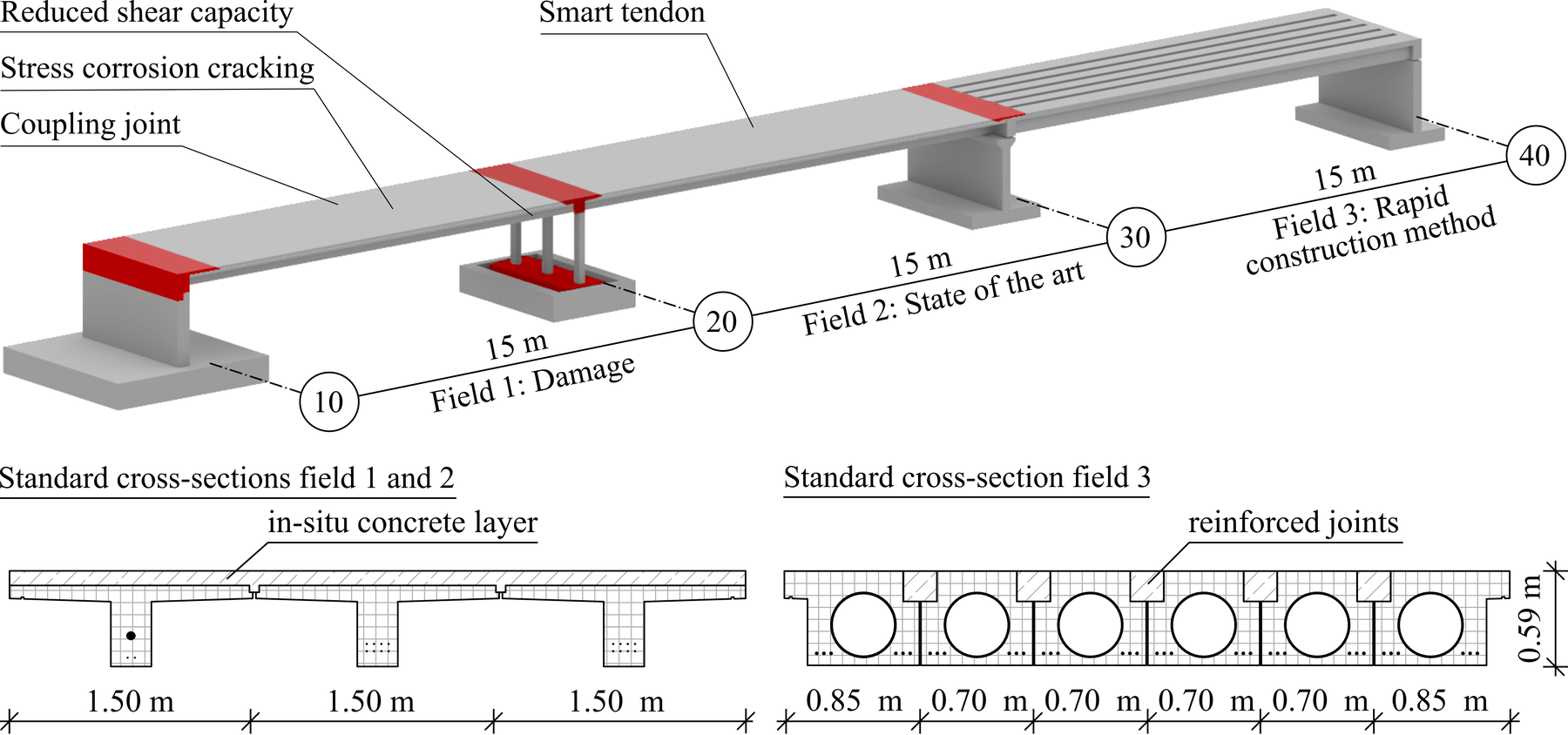
Drawing © TU Dresden, Institute of Concrete Structures.
Vibration — last 24 h at a glance
Strongest peak-to-peak acceleration per minute (max over the three axes) for every unit. Load tests and detected excitation events are drawn as bands. Drag to zoom, double-click to reset.
Weather at the bridge
Observations from the nearest station of the German weather service (DWD), served through the open Bright Sky API — no forecast, only measured values. Weather drives what the structure does: temperature changes its stiffness and therefore its natural frequencies, and wind and rain are an excitation of their own. The chart also puts the air temperature next to the temperature the sensor chips report, which is what the units actually experience under the deck.
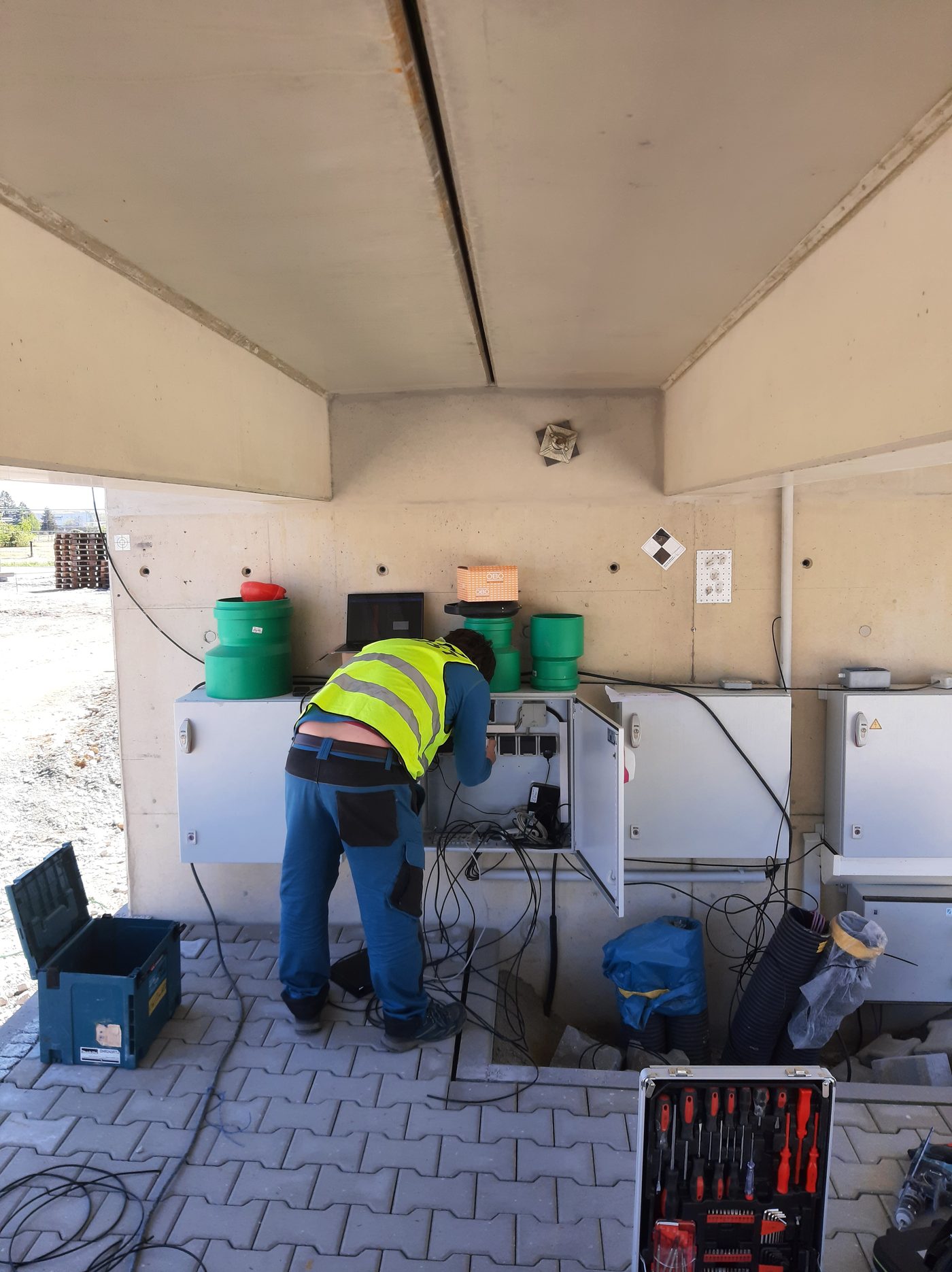
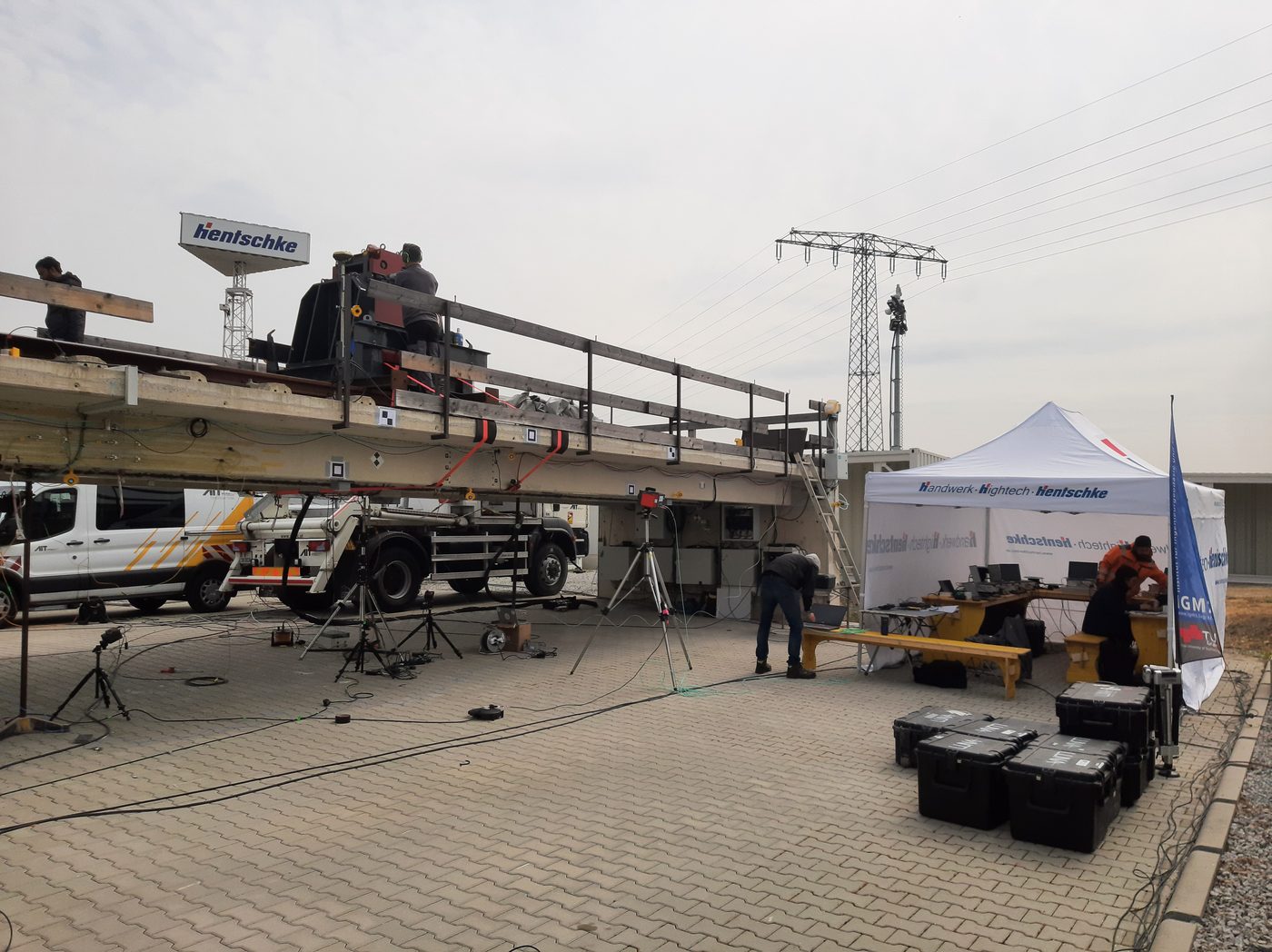
Photographs
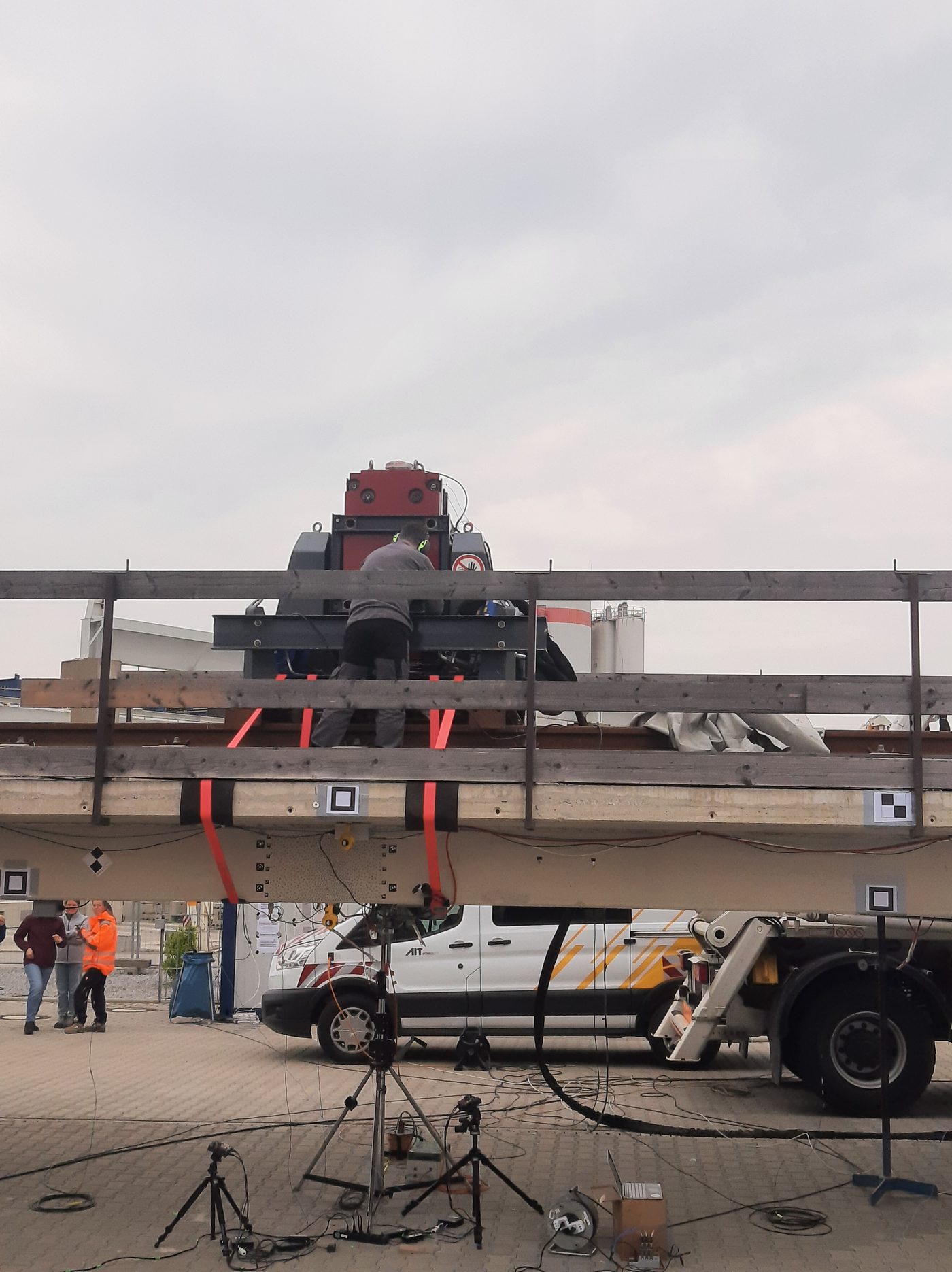
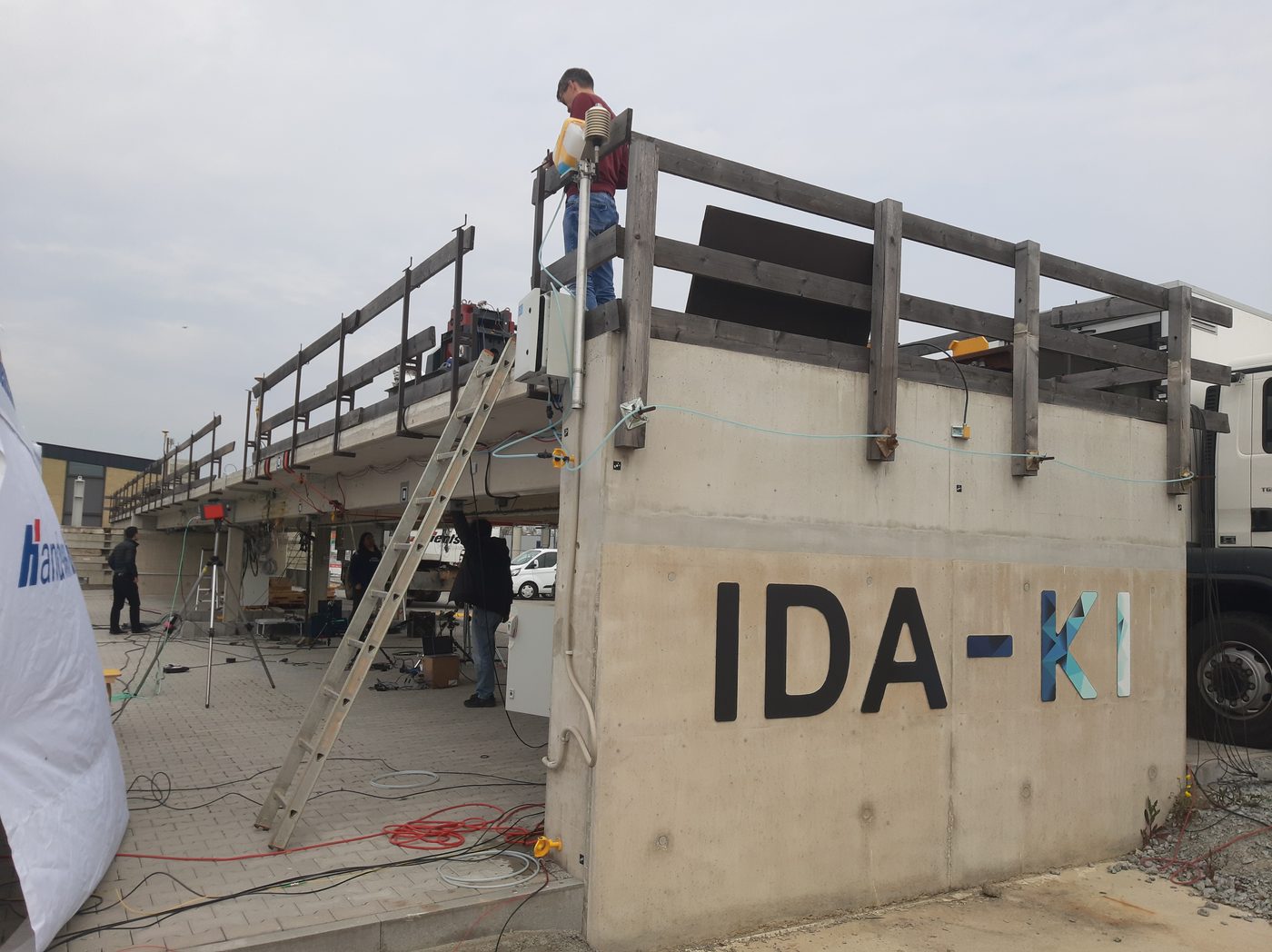
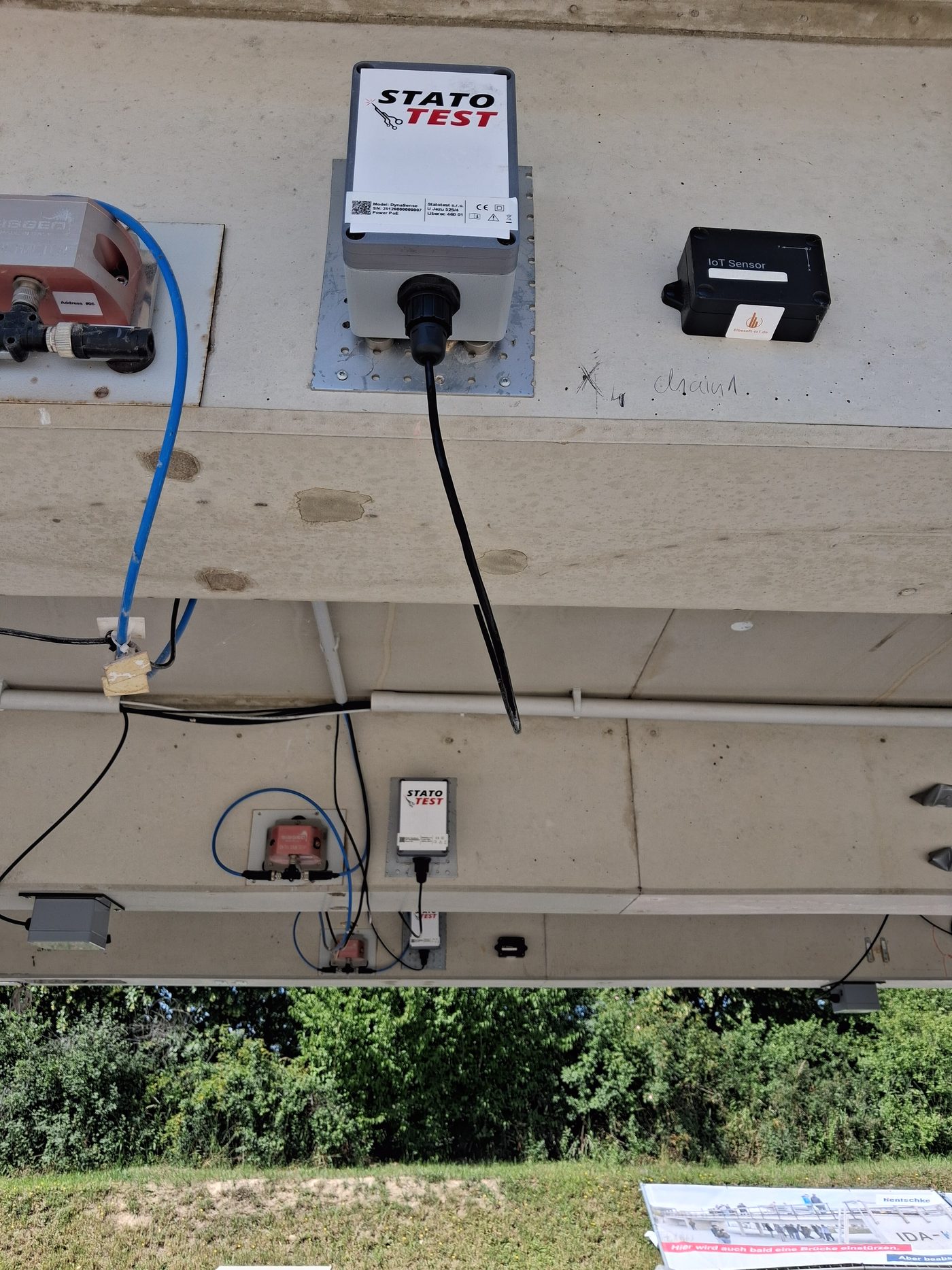
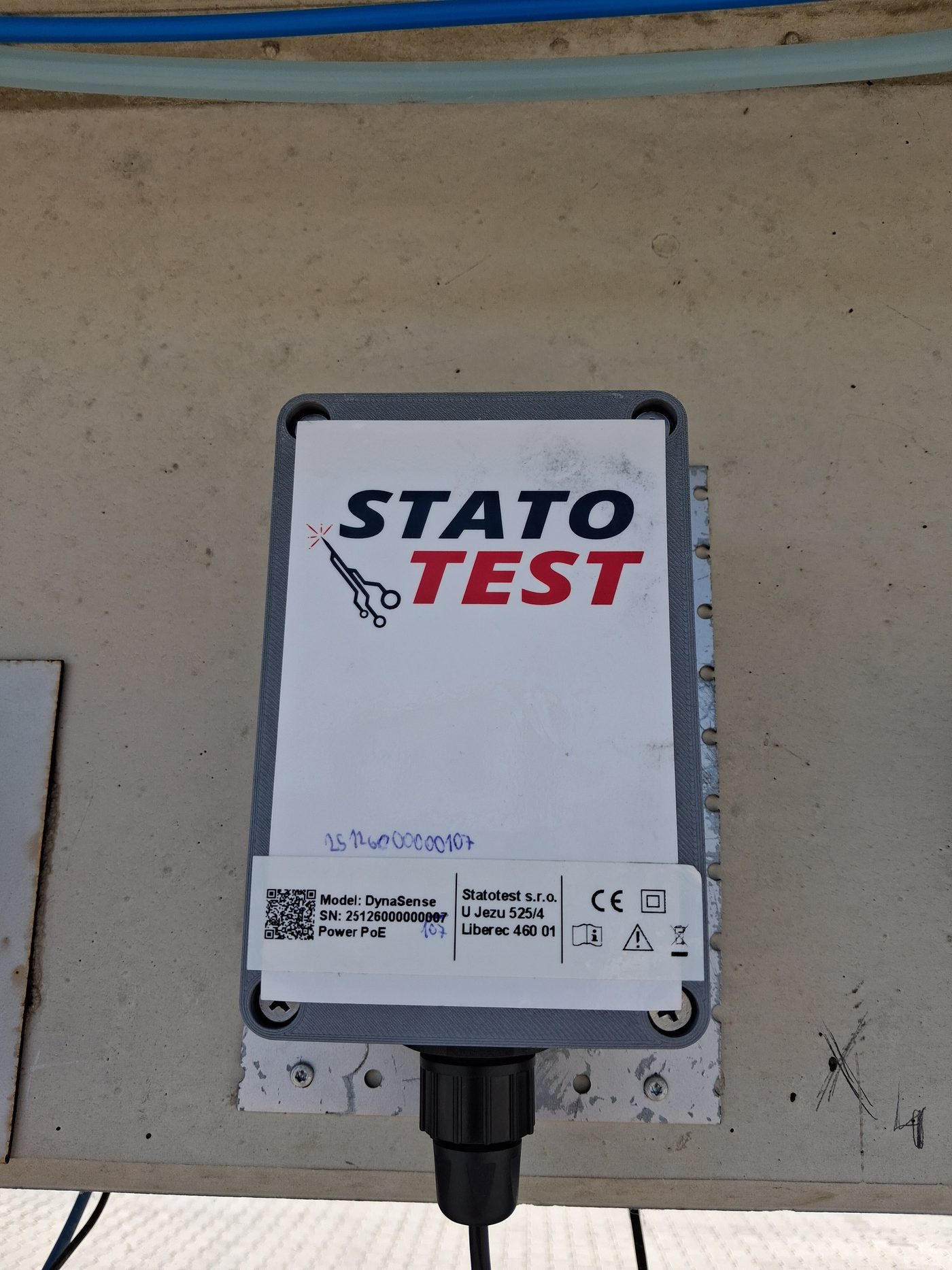
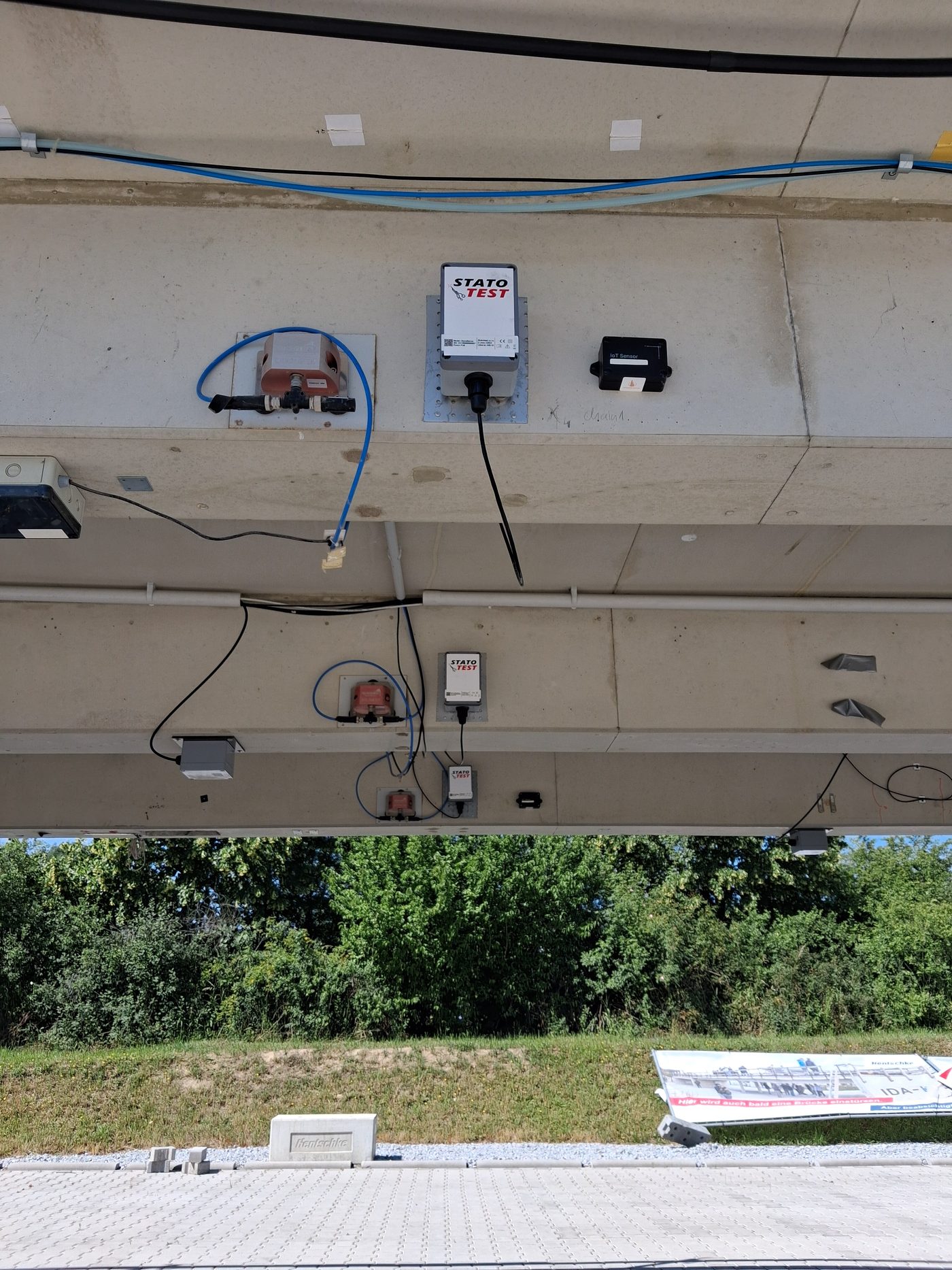
Notes on data and evaluation
- Every unit writes one CSV file per 60 s (500 Hz, x/y/z in g, chip temperature, GPS-disciplined timestamps) and uploads it to FTP within about a minute; the application picks files up a few minutes after they were recorded. The y axis is vertical on all units.
- Full-resolution data is kept for the rolling hot window (Settings → retention). Older data is available as 1‑minute aggregates and hourly spectra; the full signal survives only inside protected windows around anomalies and load tests.
- Units are not individually calibrated — the measured |g| differs by up to ~4 % between units. Relative vibration levels are fine; for absolute comparison enable the per-unit scale in Settings.
- Natural-frequency tracking is preliminary (no temperature compensation yet); expect daily drift of a few percent with temperature.
Acceleration
Overview shows a min–max envelope per minute (or per second for windows up to 6 h); zooming below 10 minutes loads the raw 500 Hz signal from the hot window. Charts are synchronised — drag to zoom, double-click to reset. Units: mg by default, switchable per chart.
Signal detail — envelope & raw 500 Hz
Same principle as the charts above: the whole selected period is drawn as a min–max envelope, so peaks and drop-outs stay visible, and zooming below 10 minutes loads the full 500 Hz record of that window (the badge in the corner says which is on screen). This chart zooms independently of the ones above. Full-resolution data exists inside the hot window (see the header) and inside protected windows around events and load tests; export the visible window with CSV / JSON.
Spectrum of the visible window
Average amplitude spectrum (Hann, 60 s files, 0.05 Hz bins) of all files in the window currently visible in the charts above — per unit, for the selected axis. “Quiet files only” excludes files with excitation (pp above the modal threshold), which sharpens the natural frequencies. For windows up to 10 minutes the spectrum is computed from the raw signal instead.
Cross-section comparison
The three girders of one field carry one accelerometer each at mid-span. Comparing them separates bending (all three move together) from torsion (edges move in anti-phase) and shows whether one sensor behaves differently from its neighbours. Requires the field / girder assignment in Settings.
Measurement coverage
When each unit delivered data (one block per minute with samples). Gaps are visible as holes.
Natural frequencies
Every hour the average spectrum of the quiet files is searched for peaks (local maxima more than 3× above the local median). The dots are the detected peaks per unit; stable horizontal bands are natural frequencies of the structure, scattered dots are noise or machinery. Preliminary: no temperature compensation yet.
Spectra side by side
Average quiet-file spectrum over the whole selected range, vertical axis, all units — the same natural frequency should appear on every unit of a field, with amplitudes that depend on the position along the span.
Detected events
Two families: vibration — excitation seen by two or more units at once (load tests, vehicles, shaker); sensor — something wrong with a unit or its data (frozen signal, saturation, offset or temperature jump, sample-rate deviation, gaps, vibration on one unit only); structural — shift of a natural frequency; control / nodata — watchdog actions and upload problems. Protected events keep the full 500 Hz signal permanently (±2 min). Click a row to open the data.
| When | Duration | Kind | Unit | What | Protected | Ack |
|---|
Load tests & planned actions
Plan a test here or label one retroactively. When a planned test starts, the application makes sure the units are measuring and sets the marker (test ID) in every unit, so the test is labelled directly in the recorded CSV files; the whole window is protected. Retroactive labelling protects the full signal only inside the hot window — outside it only aggregates remain.
Planning and labelling tests is available in the private view (sign in).
| Name | Type | From | To | Status | Marker | Note |
|---|
Units
Live state from the management server (polled every minute). Running = the unit reports its accelerometer measurement as running; data delay = time since the last file reached the application (recording → FTP → indexing normally takes 2–5 min). The watchdog restarts a unit that stopped measuring; start / stop / marker can also be sent by hand (signed-in accounts).
Unit history
Online / measuring state per minute and the housekeeping values (SD card free space, Wi‑Fi signal, chip temperature) over the selected range.
Command log
| When | Unit | Command | Parameters | By | State | Detail |
|---|
Settings
Changes apply immediately in this browser; Save stores them on the server for everyone (audited).
Units — position on the bridge
Field 1 = axes 10–20 (damage), field 2 = 20–30 (state of the art), field 3 = 30–40 (rapid construction). Girder: L / M / R looking from axis 10 towards axis 40, or “deck” for field 3.
| Label | Serial | Field | Girder | Position note | Colour | Scale (|g|→1) | Enabled |
|---|
Measurement regime & watchdog
Retention
Hot raw data and 1 s envelopes older than raw days are deleted except inside protected windows (events, tests). FTP files are deleted only when older than FTP min. age, already aggregated here and not protected.